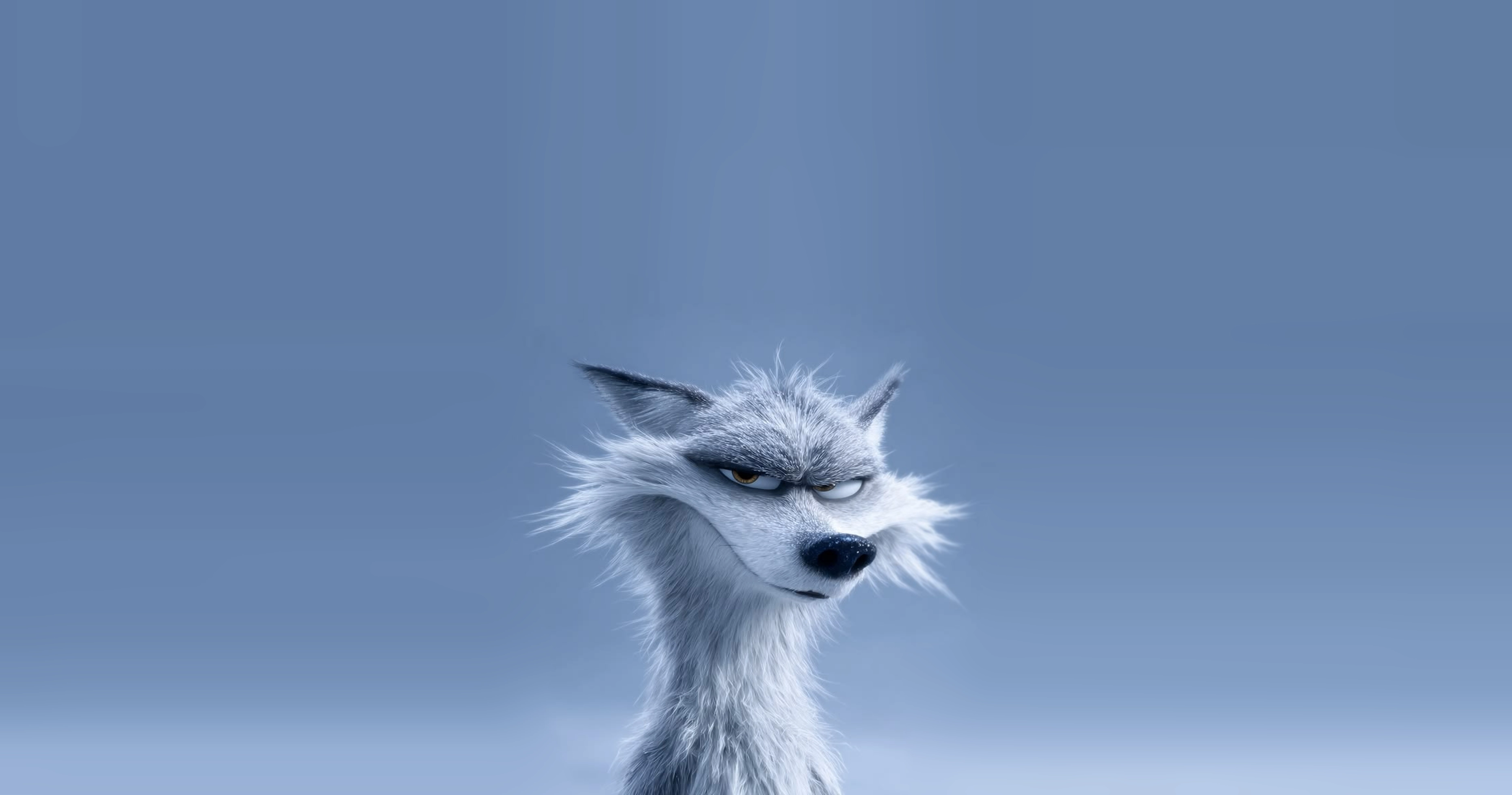
The Universal Groom System
Groom once. Use it everywhere.
Hair, fur, feathers and scales, groomed in Maya or the GroomLab app and identical in Arnold, Unreal and Unity.
Nick Rutlinh Created in GroomLab
Works with
- Maya 2022
- Arnold
- Unreal Engine
- Unity
- glTF
- Alembic
- USD
Where it runs
One groom. Every app. The same hair.
A GroomLab groom isn't millions of baked hairs. It's the recipe: your guides, your node graph and your painted maps, in one small file. Open it in Maya, in GroomLab's own app or on a render farm, and the same core rebuilds the same hair, strand for strand.
Identical everywhere
One engine rebuilds the groom in every app, so what you groom is what renders, strand for strand.
Tiny files
A full head of hair travels as a few megabytes, not gigabytes of baked curves.
Always editable
Nothing is baked until you export, so any app can open the groom and keep grooming.
wolf.groom
Guides, node graph and painted maps
- Maya
- GroomLab app (soon)
- Render farm
- Unreal and Unity
Everything a groom needs. Nothing it doesn't.
Groom by hand
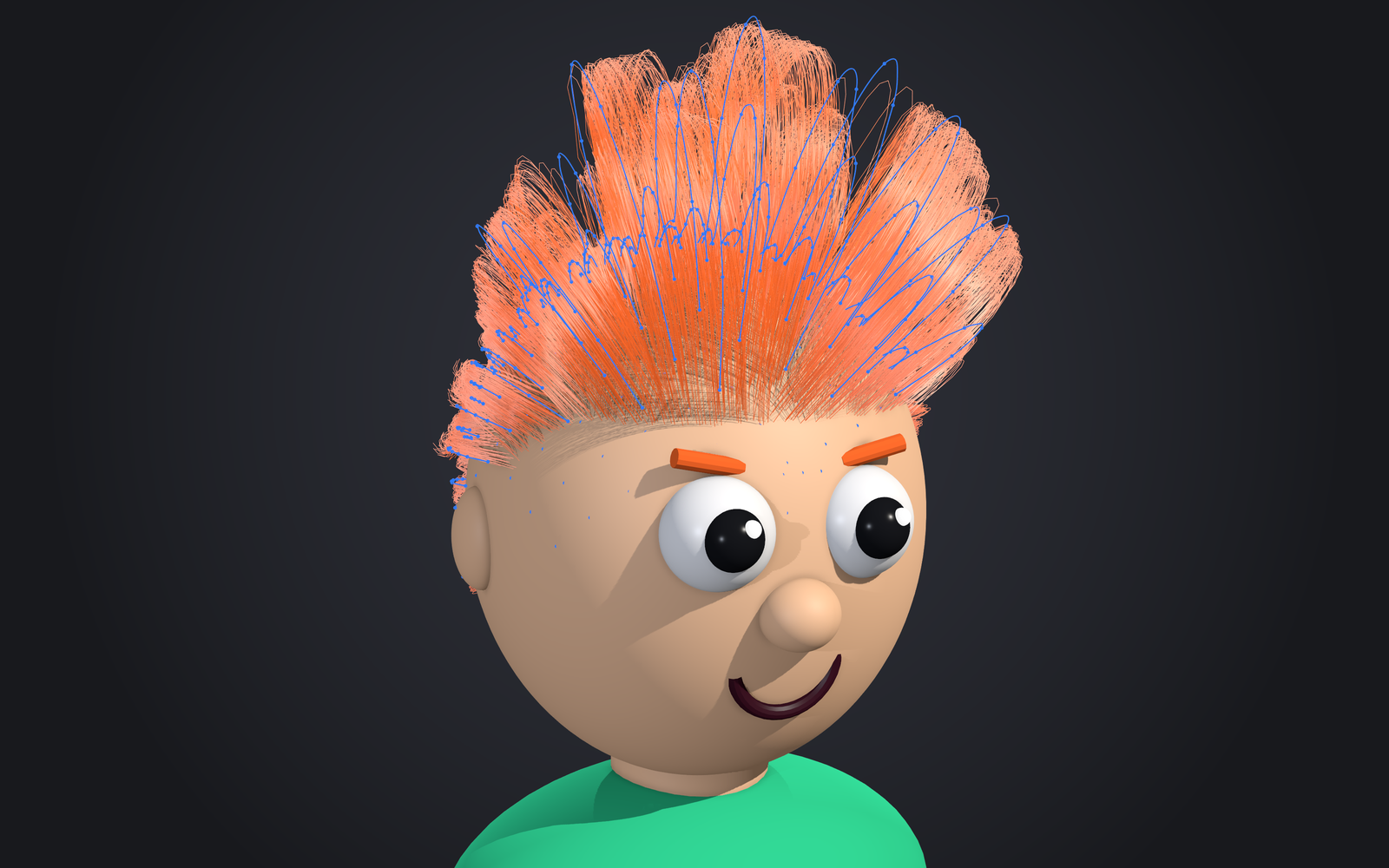
Brush the guides. The hair follows.
Place and draw guides on the scalp, then generate children inside each guide's tube. Every stroke is one undo step, and strands update as you work.
Node graph
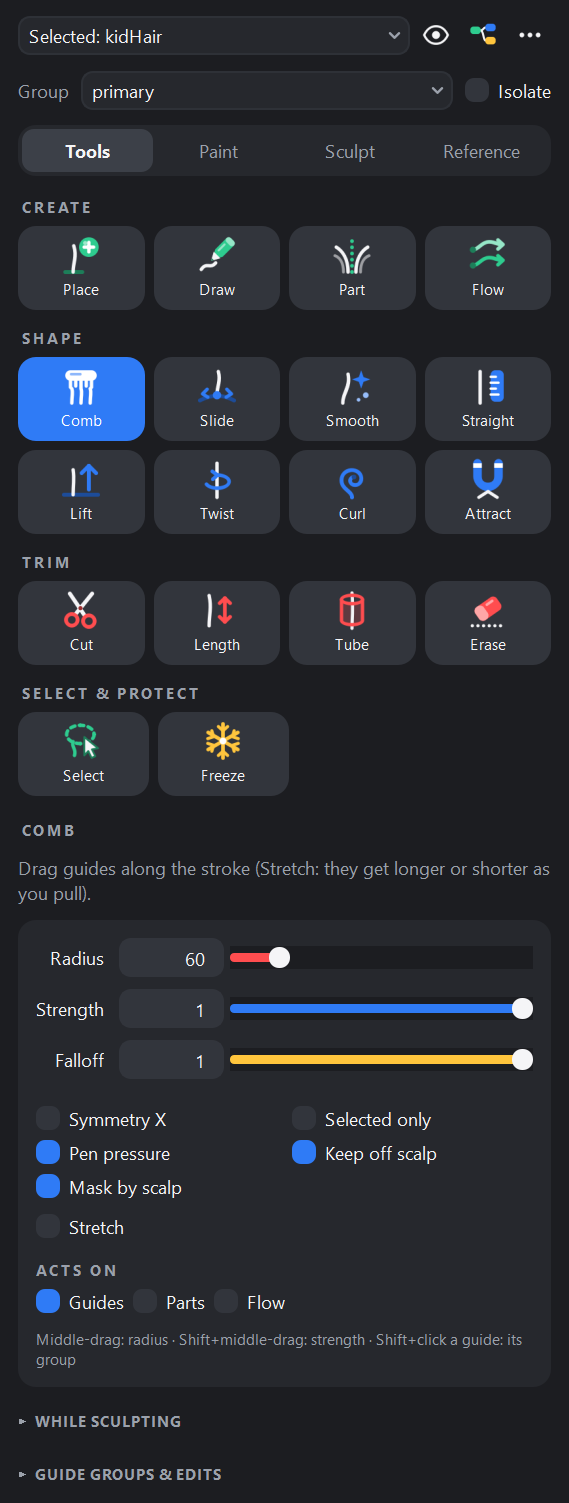
Style with a node graph.
Clumps, curls, frizz and braids are nodes you wire together. A full look graph over 100k strands evaluates in under 0.1 s, so sliders feel live.
Paint anything
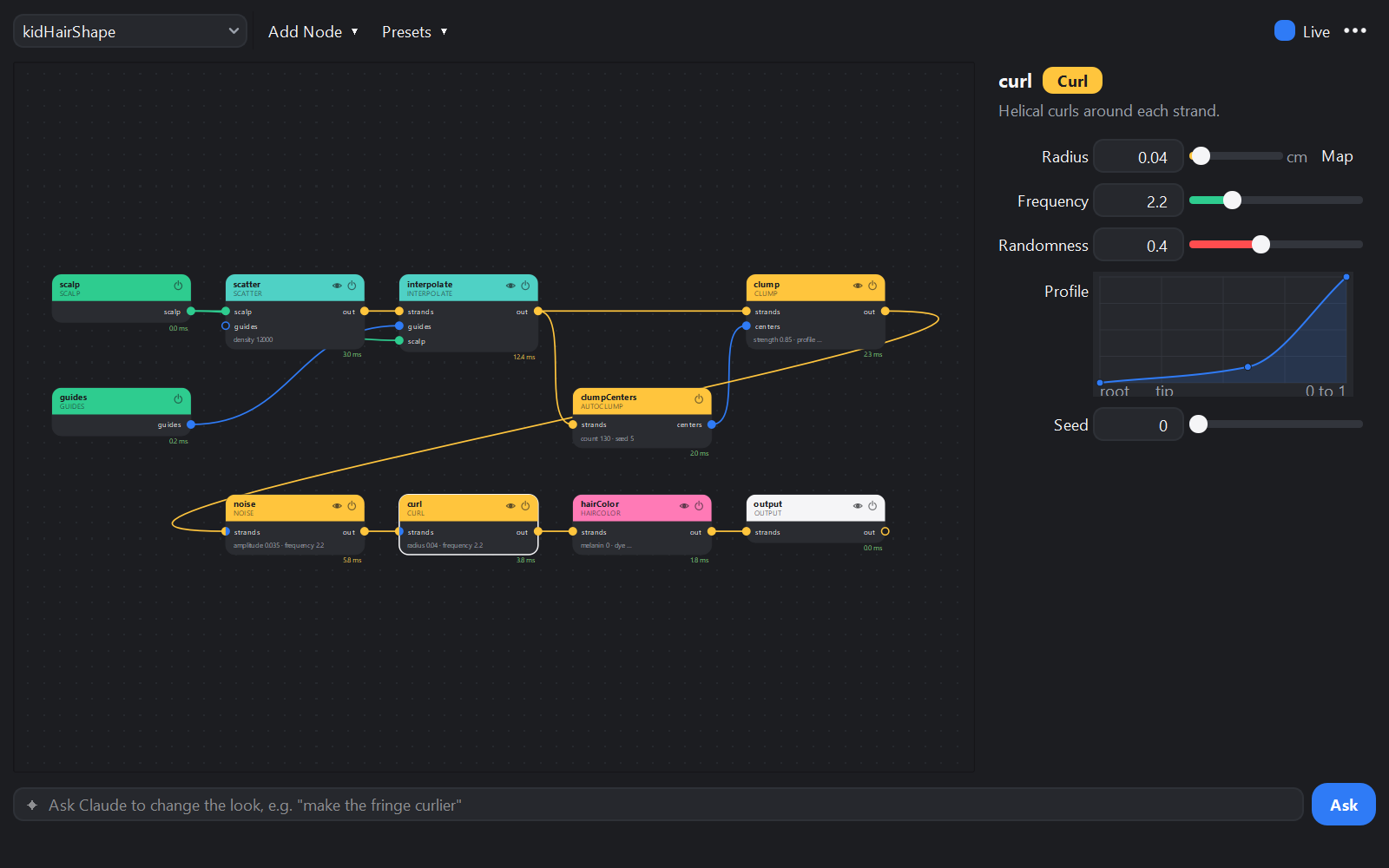
Paint any parameter.
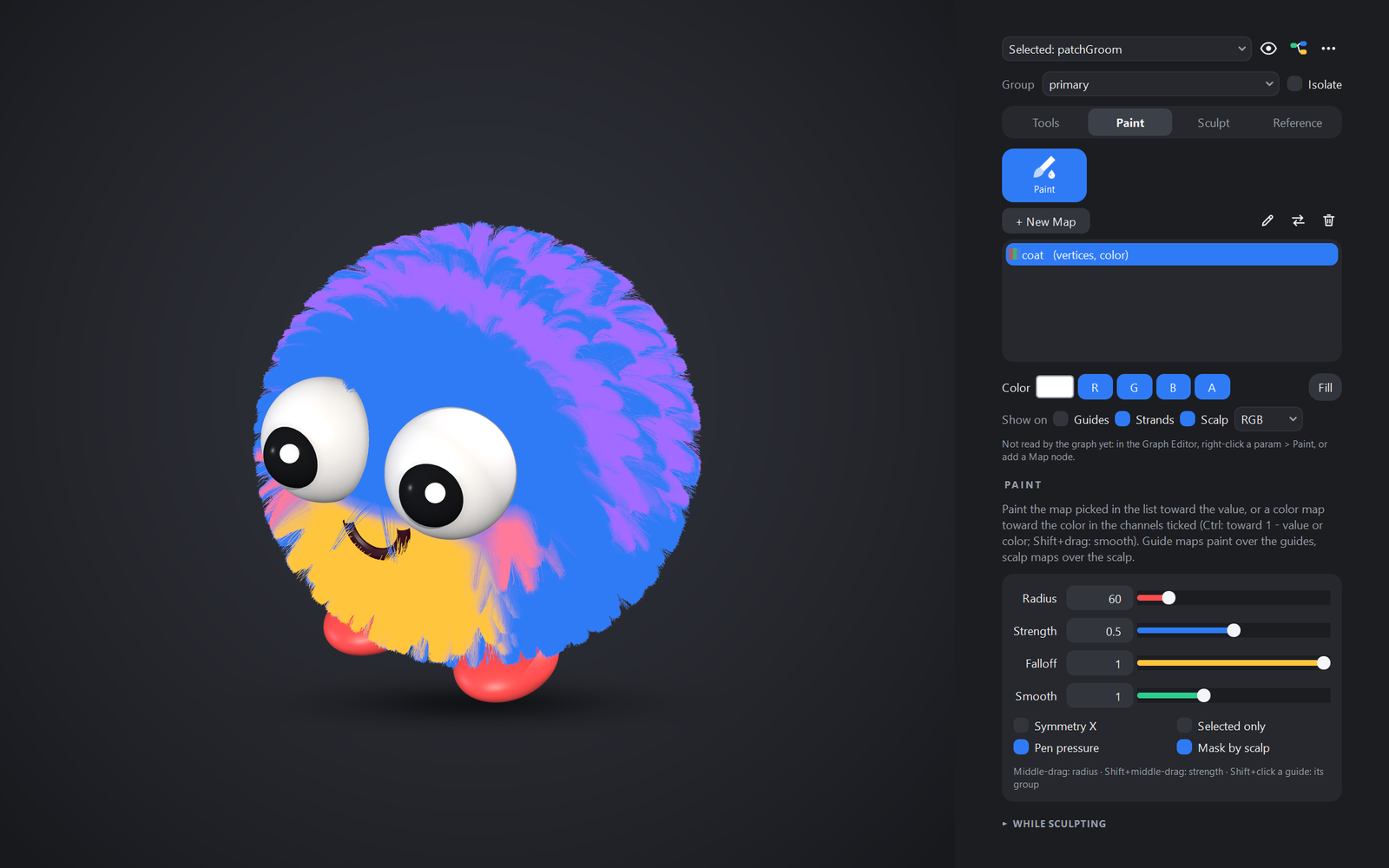
Right-click a parameter and paint it: gray or color, on the guides, the scalp or a texture. Pack four masks in one RGBA map and feed each channel to a different node.
Game-ready cards
From groom to game engine.
A Cards node turns the groom into cards that follow its clumps, with color, coverage, direction and AO baked from its own strands. Export to Unreal, Unity or glTF, or send the strands themselves.
Learn more about game exportPerformance
Half a million strands. Measured against XGen.
GroomLab and Maya's XGen Interactive Grooming, side by side on the same scalp and machine at 500,000 strands.
New groom to first drawn frame26× faster - XGen
- 12.6 s
- GroomLab
- 0.49 s
Saved scene (.mb)51× smaller - XGen
- 114 MB
- GroomLab
- 2.23 MB
Animated scalp, evaluation per frame15× faster - XGen
- 414 ms
- GroomLab, Follow Scalp
- 28 ms
Dragging the clump slider, to redrawn frame28× faster - XGen
- 367 ms
- GroomLab, GPU preview
- 13.3 ms
Maya 2022, Windows 11; AMD Threadripper PRO 5945WX (12 cores), 128 GB RAM, RTX 3090. The same 17k-triangle head-sized scalp, strands 15 cm long with 16 points each, clumping and noise on both (GroomLab adds a Curl), every strand shown in the viewport. Medians of 5 runs for XGen and 3 for GroomLab, each measurement in a fresh Maya.
Every number, and how to run it yourselfUnder the hood
Built for groom artists. Down to the strand.
A graph you can read node by node, maps on the parameters that matter, and a groom that evaluates the same from the viewport to the farm.
GroomLab's nodes: Scalp, Guides, ImportCurves, ColliderMesh, Scatter, Interpolate, Cull, Length, Width, Resample, Comb, Lift, Flow, Part, Smooth, BlendNeighbors, Collide, RestoreLength, AutoClump, Clump, Twist, Braid, Noise, Curl, Flyaway, Tangle, Instance, Wind, Jiggle, HairColor, Propagate, Split, ToGuides, ToStrands, Map, Expression, Control, Field, FieldNoise, FieldRemap, FieldCombine, Curve, Attribute, Merge, Switch, Blend, Output, Cards.
- A procedural for the farm
- Exported .ass files hold a small procedural that grows the groom at render time, into aiStandardHair with per-strand melanin. Render LOD thins crowds and wide shots.
- Same groom, every machine
- Randomness is seeded from strand IDs, so the viewport, the farm, one thread or thirty-two all evaluate every frame the same.
- Maps and keys on the parameters
- Drive a value from a texture, a color set, a strand attribute or an expression, or key it in place: press S over a field and it becomes Maya animation.
- Scripted end to end
- Every step in the UI has a Python call, and groomlab-cli evaluates groom files headless for farms and other hosts.
import groomlabfrom groomlab import graphgroom = groomlab.create_groom("head")model = graph.GraphModel.from_groom(groom)model.add_node("Curl", name="curl")model.insert_between("length", "width", "curl")model.set_param("curl", "radius", 0.08)model.save(groom) # undoablegroomlab.export_alembic(groom, "C:/cache/groom.abc", start=1, end=48)Start grooming.
Install
Unzip, then drag install.mel onto the Maya viewport.
Groom
Create a groom from a mesh, brush the guides and build the look.
Export
Render in Arnold, or send cards and strands to your engine.
Maya 2022 on Windows (64-bit) Arnold renders need MtoA 5.x
Read the install guide